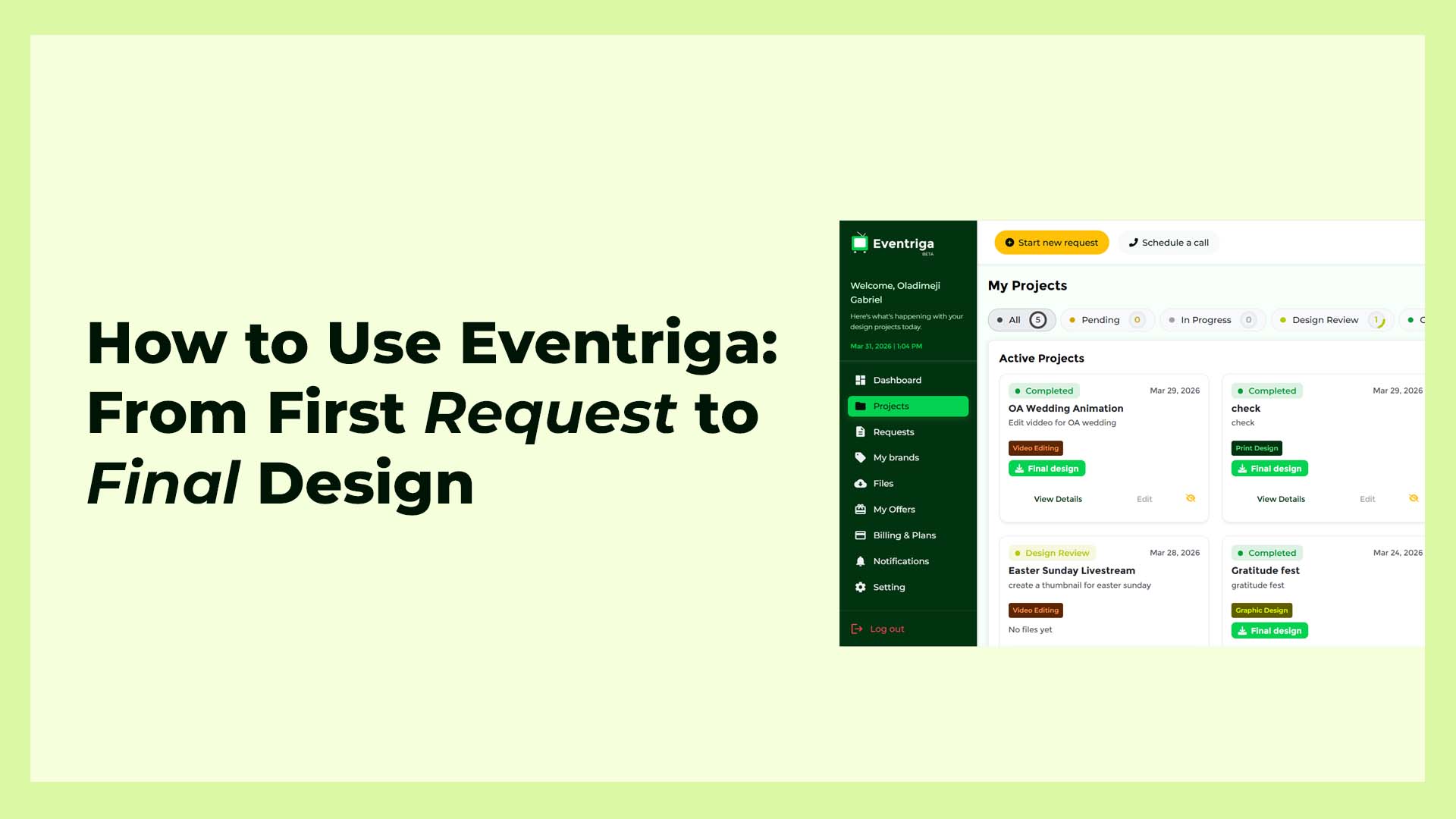
When you join Eventriga, you’re not just signing up for a service, you’re unlocking a complete system to handle your creative needs from start to finish.
This guide will walk you through everything you need to know.
1. How to Request a Design
Getting started is simple.
Once you log into your dashboard:
- Click on “Start a New Request” on top bar of the dashboard
- Select the type of design (logo, flyer, social media, etc.)
- Fill in the details:
- What you want
- Style or inspiration
- Dimensions or platform
Submit your request
Tip: The clearer your instructions, the better your results.
After submission, your request is assigned to a designer and work begins immediately.
2. How to Upload Brand Assets
To get designs that match your brand perfectly, upload your assets.
Go to:
My Brands → Upload Assets
You can upload:
- Logos
- Brand guidelines
- Fonts
- Images
This helps designers maintain consistency across all your designs.
3. How to Track and Manage Projects
Eventriga gives you full visibility.
Inside your dashboard:
- View all active projects
- Track progress (e.g., pending, in progress, completed)
- Leave comments or feedback
- Request revisions
Everything happens in one place, no back-and-forth stress.
AI vs Human Designers: What Should SMEs Choose?
4. How to Download Deliverables
Once your design is ready:
- Go to your project
- Open the completed task
- Click Download
You’ll get high-quality files ready for use. You can also find your final design on “My-files” page from the side bar or dashboard home page.
5. How to Subscribe to a Plan
To unlock full access:
- Go to Billing & Plans
- Choose a subscription
- Complete your payment. You can pay through our partner gateway platform or with crypto if you are outside Nigeria.
- After making your payment, go back to your account to upload your payment receipt for quick activation.
With a plan, you can:
- Submit more design requests
- Get faster turnaround
- Access premium support
Pro Tips for Best Results
- Always upload brand assets early
- Be specific in your requests
- Use references or examples
- Give feedback quickly to speed up delivery
Final Thoughts
Eventriga is built to make design simple, fast, and reliable.
From submitting your first request to downloading final designs, everything is structured to help you focus on what matters growing your brand.
Ready to get started?
Log in and create your first request today.


